Powering 7,600+ forms worldwide
Point your HTML form at a FormBackend endpoint and collect submissions in under a minute. FormBackend handles spam filtering, email notifications, file uploads, and delivery to Slack, Google Sheets and webhooks. No server-side code, no database. Free plan, then $5/month for 1,000 submissions.
No credit card Setup in under a minute
6M+
Submissions Processed
7,600+
Forms Created
Testimonials
Trusted by developers and agencies worldwide to handle their form submissions reliably.
"FormBackend is a great way to quickly hook up a form on a site where you only have access to frontend / static file hosting. The support is great and integrations with Zapier allows us to quickly roll-out complex data destination workflows. Would recommend!"
"As a creative agency building custom websites it's great to have an option out there that is as easy as plug and play. It's scalable and has worked flawlessly for over 48 months for us."
"FormBackend is a developer's dream form handling platform. For our small-medium client sites nothing comes close to the price/feature set of FormBackend. It's extremely fast to set up, can handle just enough workflow tasks, and you can use fully custom email templates. The only time we won't be reaching for this tool is when a client already has a large CRM setup with these features - but in those cases we're really going to miss the unrivaled support that Jesper provides."

Features
Make your form work in seconds — no special libraries or server setup required.
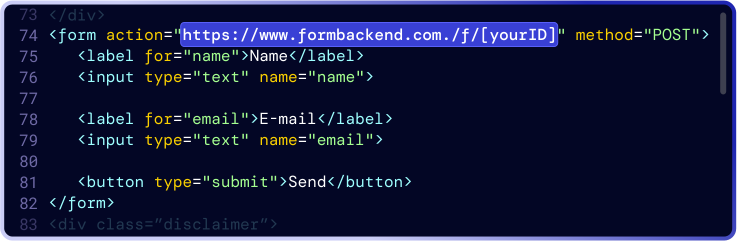
You can use FormBackend with any <form>. Just point your form to your FormBackend URL endpoint and we'll take care of the rest.
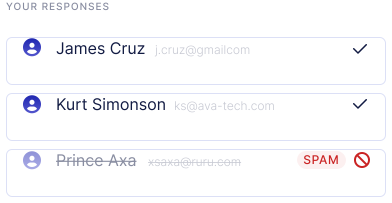
When your form receives a response, we validate and filter the data
for
SPAM
 automatically.
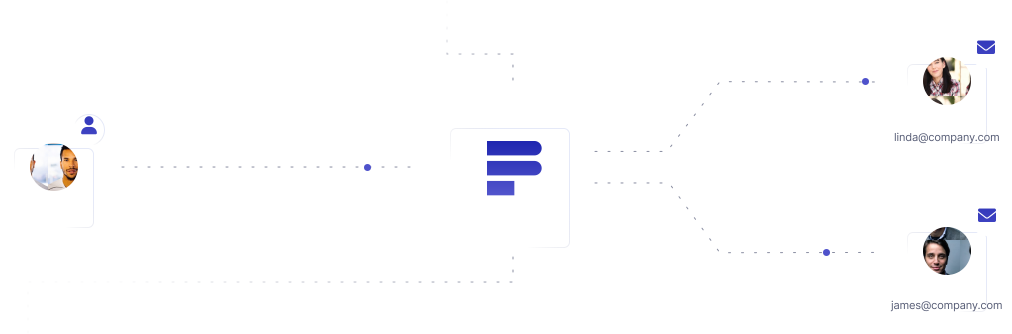
Receive or send an email to whoever you want when your form gets a new submission.
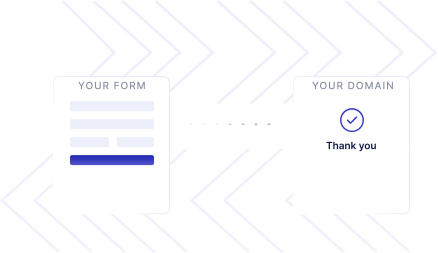
Have a custom thank you page? Redirect to any page you'd like after the form is submitted.
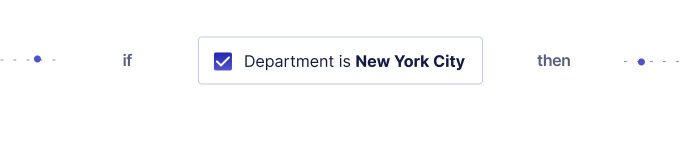
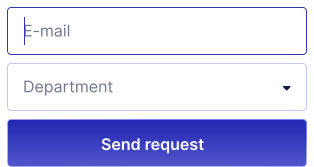
Send and receive emails based on values in your form fields. Perfect for departments or other conditional flows.
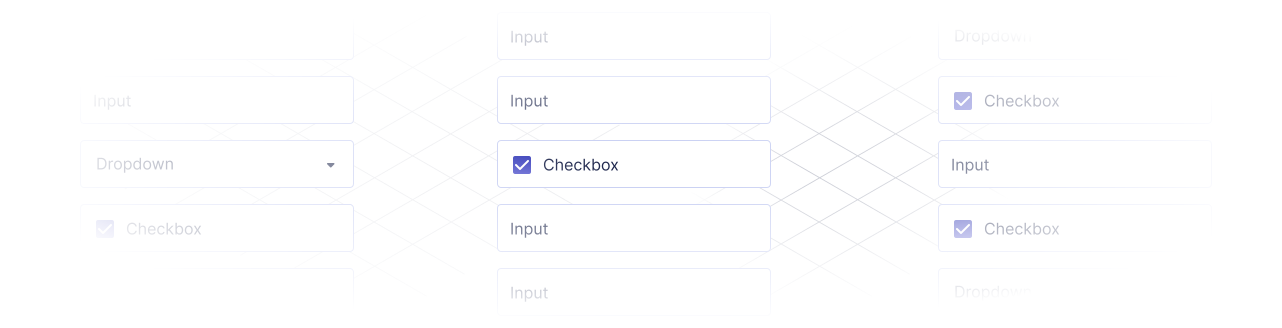
Add all the form fields you want. There's no limit. We will handle everything that's submitted inside your <form>.

Send submissions to services like Zapier, MailChimp, Convertkit - or any other 3rd party service.

Export your submissions as CSV, or pull them anytime with our simple API.

Prefer AJAX or need programmatic access? Use the API to read and manage submissions, or let an AI coding agent create and configure forms through the MCP server, on every plan.

Invite your team and collaborate without sharing logins.

Accept file uploads without extra servers or storage setup — we handle the hard parts.
Get started
Create an account, point your HTML form at FormBackend, and start collecting submissions in under a minute.
Start for FreeNo credit card Setup in under a minute
Export or delete submission data, with a clear privacy policy.
Submissions are encrypted in transit with TLS.
Reliable infrastructure that scales with your traffic.
Templates
Copy a ready-made HTML form, point it at FormBackend, and get submissions by email.
Recent Posts
multipart/form-data and x-www-form-urlencoded, byte for byte. We captured what Chrome and curl send for the same form and what the server does with it.
preventDefault() cancels the browser's default action. On a form that means no reload and no request. Here's what reaches your server after you call it.
All 22 HTML form input types, what each one actually sends to your server, and why fields go missing: unchecked boxes, disabled inputs, and enctype.
FormBackend handles your HTML form submissions so you can focus on building. Collect responses, send emails, and integrate with 3rd parties in minutes.